
English Font Style Generator
Transform your English text into 200+ stunning styles. Copy Unicode styles instantly, customize colors or gradients, and download high-quality solid/transparent PNG graphics.
Typing Guide: Type in English. Previews update in real-time. Copy transformed Unicode text directly or save previews as PNG images.
Bold
𝐇𝐞𝐥𝐥𝐨 𝐖𝐨𝐫𝐥𝐝
Italic
𝐻𝑒𝑙𝑙𝑜 𝑊𝑜𝑟𝑙𝑑
Cursive
ℋℯ𝓁𝓁ℴ 𝒲ℴ𝓇𝓁𝒹
Double Struck
ℍ𝕖𝕝𝕝𝕠 𝕎𝕠𝕣𝕝𝕕
Gothic
ℌ𝔢𝔩𝔩𝔬 𝔚𝔬𝔯𝔩𝔡
Small Caps
ʜᴇʟʟᴏ ᴡᴏʀʟᴅ
Bubble
Ⓗⓔⓛⓛⓞ Ⓦⓞⓡⓛⓓ
Anton
Hello World
Oswald
Hello World
Bebas Neue
Hello World
Teko
Hello World
Pacifico
Hello World
What is an English Font Style Generator?
An English Font Style Generator is an advanced online typography utility designed to help content creators, social media managers, and digital designers style standard Latin text. While standard web browsers use default sans-serif layouts, this tool converts your characters in two unique ways. First, it translates characters into distinct Unicode mathematical symbol variants (like cursive script, double-struck, monospace, and gothic letters) that copy and paste perfectly across chats and Bios. Second, it offers previews in a curated list of premium Google Fonts loaded dynamically from CDN, which can be custom-styled and exported as high-resolution PNG image graphics.
This generator operates entirely within your browser, combining text transformations with design settings like solid or gradient texts, custom paddings, and transparent backgrounds. Whether you need a text string for an Instagram Bio or a stylish graphic header for Canva or Photoshop, the generator offers a comprehensive playground.
If you want to generate fancy styles for regional Indian languages, you can explore our Hindi Font Style Generator, Bengali Font Style Generator, Telugu Font Style Generator, and Marathi Font Style Generator. We also offer tools to copy decorative Text Symbols and select Emojis or Kaomojis.
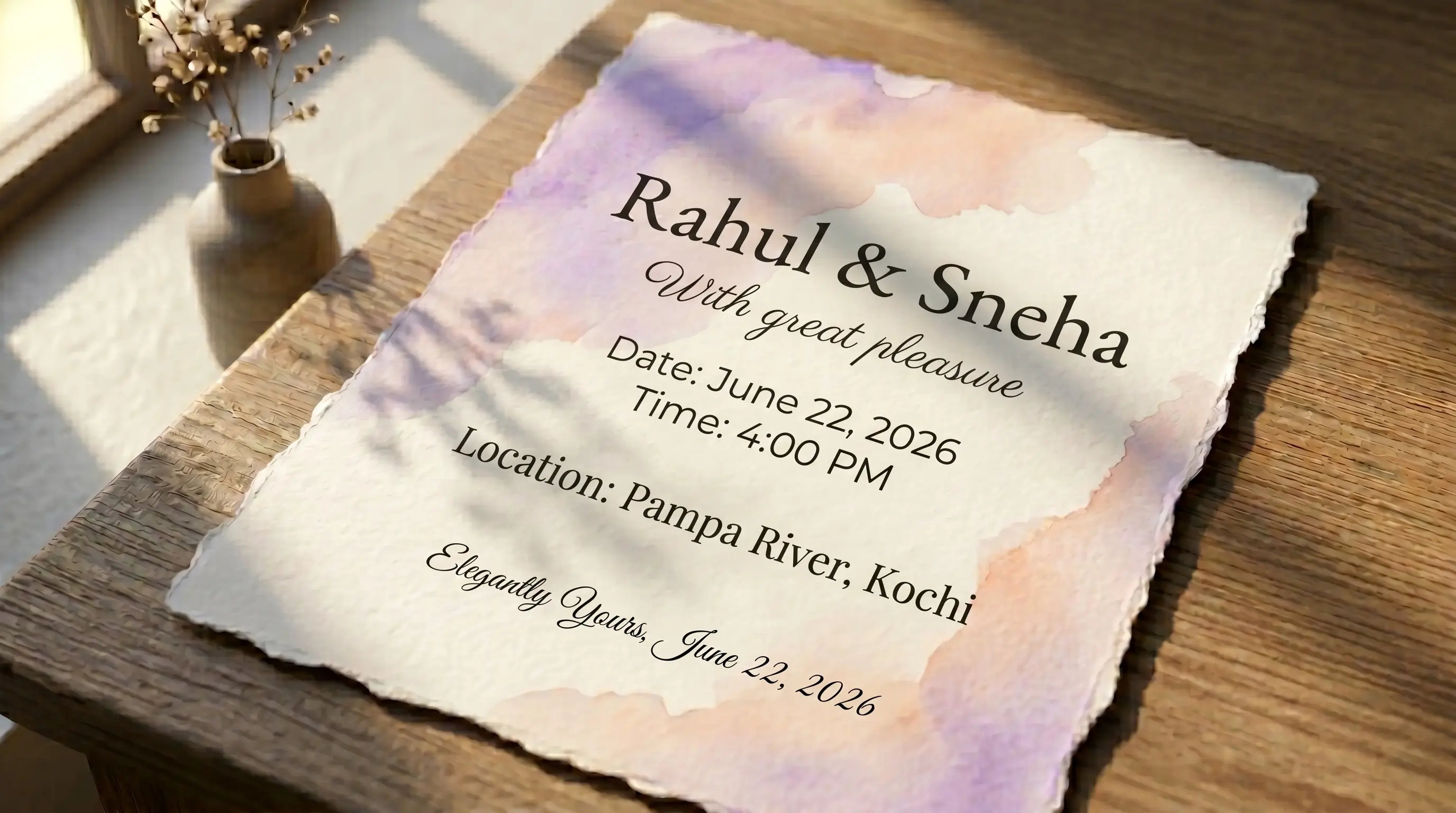
Understanding the Two Styles: Unicode vs. Google Fonts CDN
When utilizing our English font style generator, you will work with two distinct font architectures:
1. Unicode Text Style Transformations
Unicode is an international encoding standard that maps unique numbers to letters, digits, and symbols across different languages. Standard mathematical alphanumeric blocks contain script, bold, double-struck, monospace, and fraktur symbols. Because these are recognized globally as characters rather than font files, you can copy the transformed text and paste it into Instagram, TikTok, WhatsApp, or Twitter bios. The custom character styles will render natively on almost all modern smartphones and desktops.
2. Web-Styled Google Font CDN Previews
Google Fonts are premium, open-source typography files. Because standard browsers cannot copy a font file's visual layout inside a plain text clipboard operation, copying text from a Google Font style card yields the plain, unstyled text. However, they are perfect for creating custom graphics. Using our design customizer, you can align text, scale font sizes, pick custom color gradients, adjust paddings, and download these styles as transparent or solid-background PNG image layers for use in Photoshop, Figma, Canva, or PicsArt.
How to Generate and Export Custom Styled Graphics
Follow these simple steps to generate and export your designs:
Step 1 — Input English Text
Type your sentence or phrase in the text area at the top of the generator. The page will immediately update the preview cards below in real-time.
Step 2 — Pick and Customize a Style
Filter the list using the tabs (All, Unicode, Google Fonts, Favorites, Recent) or search by name. Expand the 'Customize Colors & Gradients' panel to choose text gradients, change backgrounds to solid color or gradient formats, adjust the preview padding, or align the text.
Step 3 — Copy or Download the Previews
Click 'Copy Text' to copy the character string (best for Unicode styles). Click 'Copy (as image)' to capture a high-definition PNG image directly onto your system clipboard, ready to paste into documents or design layers. Or, use the 'PNG download' and 'Transparent' buttons to download solid or transparent graphic files.
Features of the FontGenix English Font Changer
➤ No File Downloads Required: Previews render via code-based Unicode maps or direct CDN links. No bulky TTF file downloads are necessary to style your text.
➤ Vibrant Customizer Options: Tailor your text overlays with gradient effects, adjust spacing with padding scales, and preview transparent backdrops instantly.
➤ Lazy-Loaded Fonts: Google Font link elements are injected into the document head dynamically as you scroll, ensuring rapid page loads and optimal rendering performance.
➤ Favorites & History lists: Star your favorite styles to access them quickly in a dedicated tab. Recents automatically save in your local storage.
Explore More Typography Tools
Need styles for other scripts, symbols, or decorative alphabets? Check out our free tools:
➤ FontGenix Main Generator: Transform any text into 200+ Unicode fancy styles on the FontGenix Homepage.
➤ Hindi Font Style Generator: Convert Devanagari Hindi text into 90+ calligraphy and handwriting styles on our Hindi Font Style Generator.
➤ Marathi Font Style Generator: Convert Marathi Devanagari text into 140+ stylish fonts on our Marathi Font Style Generator.
➤ Telugu Font Style Generator: Convert Telugu script text into 70+ premium calligraphy styles on our Telugu Font Style Generator.
➤ Tamil Font Style Generator: Convert Tamil script text into 77+ stylish calligraphy styles on our Tamil Font Style Generator.
➤ Malayalam Font Style Generator: Convert Malayalam script text into 204+ stylish calligraphy styles on our Malayalam Font Style Generator.
➤ Kannada Font Style Generator: Convert Kannada script text into 85+ premium calligraphy styles on our Kannada Font Style Generator.
➤ Bengali Font Style Generator: Convert Bengali script text into 88+ stylish calligraphy styles on our Bengali Font Style Generator.
➤ Gujarati Font Style Generator: Convert Gujarati script text into 48+ stylish calligraphy styles on our Gujarati Font Style Generator.
➤ Odia Font Style Generator: Convert Odia script text into 57+ premium calligraphy styles on our Odia Font Style Generator.
➤ Punjabi Font Style Generator: Convert Punjabi script text into 114+ stylish calligraphy styles on our Punjabi Font Style Generator.
➤ Cute & Pretty Font Generator: Decorate standard text with starry borders, bubbles, and flowers on our Cute & Pretty Font Generator.
➤ Fancy Numbers Generator: Convert digits into circled, boxed, or Roman numerals on the Fancy Numbers Font Generator.
Frequently Asked Questions
The English Font Style Generator is an online utility that styles standard English text into 200+ unique font variations. It combines Unicode character transformations (such as bold, cursive, double-struck, and gothic) with premium Google Fonts loaded dynamically from Google's CDN.
For Unicode transformations, you can copy the styled text characters directly to your clipboard using the 'Copy Text' button. For Google Font styles, clicking 'Copy Text' copies the plain text, but you can copy the styled representation as a high-quality PNG image to your clipboard by clicking 'Copy (as image)' or download it using the 'PNG download' and 'Transparent' buttons.
Google Fonts render visually in your browser using CSS font-family styling. Since standard text clipboard copying only copies raw text characters (not the font styles themselves), the styling is lost when pasted. To use custom Google Fonts on social media or in chats, use the 'Copy (as image)' option or download the PNG to share the graphic preview.
Yes! You can copy the transformed Unicode styles as text characters and paste them directly into your Instagram bio, TikTok captions, or WhatsApp chats. For Google Fonts, click 'Copy (as image)' and paste the high-resolution PNG image directly into your stories, posts, or chat feeds.
Yes, the English Font Style Generator on FontGenix is 100% free to use. There are no registration forms, no caps on text generation, and all styles are processed entirely within your web browser.