
Tamil Font Style Generator ✍️
Transform your Tamil text into stunning calligraphy, handwriting, and designer styles. Copy styled text as images, download solid/transparent PNG previews, or download TTF files instantly.
What is a Tamil Font Style Generator?
A Tamil Font Style Generator is a web-based typography utility designed to help designers, content creators, and DTP operators style Tamil script text in artistic fonts. Standard Tamil Unicode text displays consistently across web browsers but lacks decorative curves, calligraphy sweeps, or custom cursive details. This generator compiles 77+ premium Bamini-layout Tamil font files into one workspace, rendering real-time previews of your text in various handwriting, calligraphy, and headline design formats.
Our utility automatically converts standard Unicode Tamil script inputs into the typewriter Bamini legacy layout format, ensuring you can use high-end decorative fonts in desktop publishing programs (like Adobe Photoshop, Illustrator, and CorelDraw) without manual character matching.
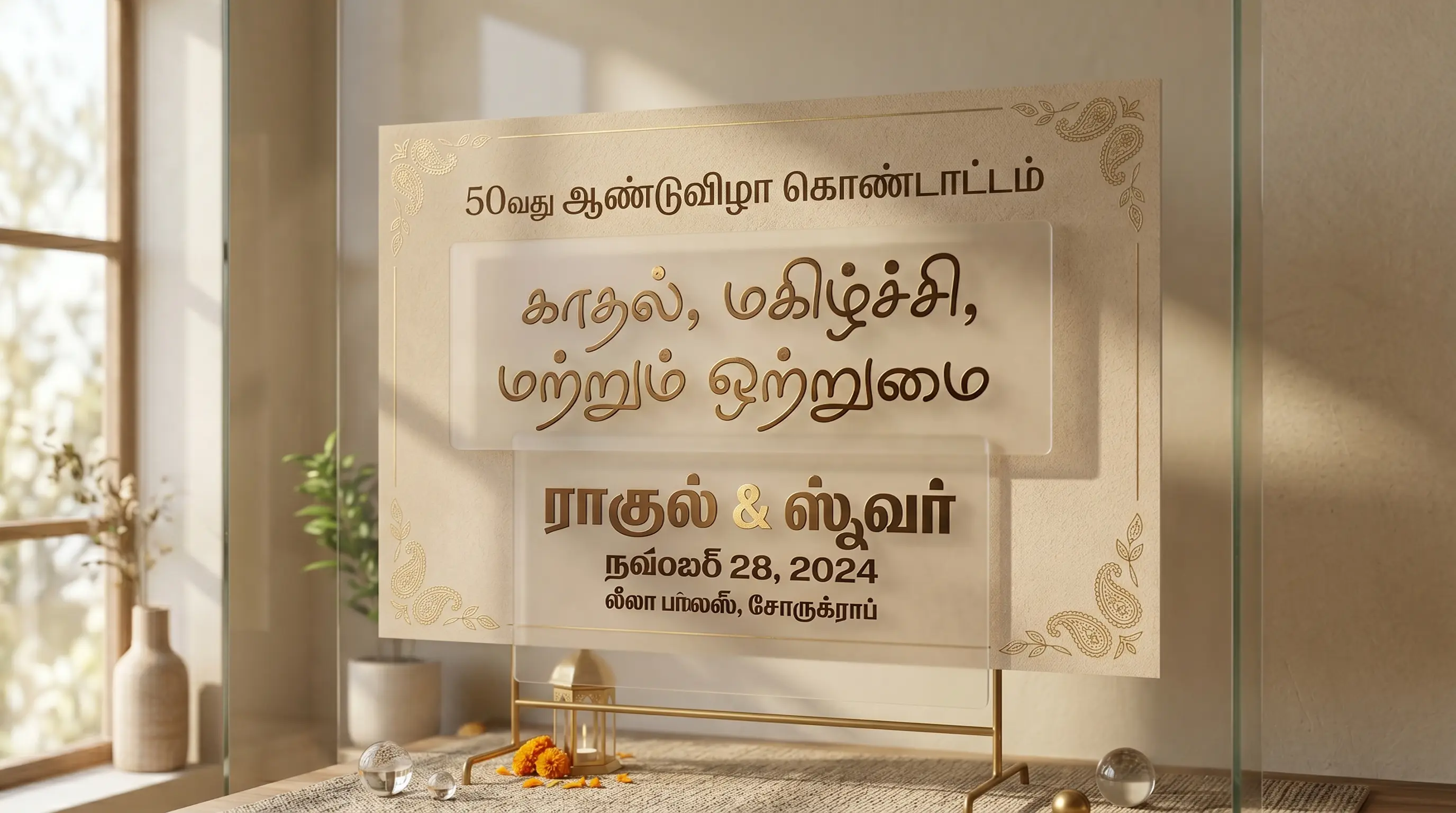
The Evolution & History of Tamil Typography
The Tamil script has a beautiful historical progression extending back over two millennia. Evolving from the ancient Tamil-Brahmi script, it transitioned through Vatteluttu (rounded script) and Chola-era variations before stabilizing into the modern square-like character forms. Tamil is an alphasyllabary language containing 12 vowels (uyireluttu), 18 consonants (meyyeluttu), 216 syllabic combinations (uyirmeyyeluttu), and 1 special letter (ayutaveluttu), totaling 247 characters.
When printing technology reached South India in the 16th century via European missionaries, early print houses faced major technical hurdles. Casting separate metal blocks for all 247 letters, plus complex conjuncts and split vowel modifiers (like the preceding double-loops kraccu), required hundreds of unique lead pieces. Due to this complexity, early Tamil typesets underwent shape simplifications to make composing pages more efficient.
The arrival of typewriters in the mid-20th century standardized the Remington Tamil keyboard layout, which mapped specific syllables onto Latin keys. In the early digital era, fonts like Bamini, Tab, and Latha emerged. Bamini became the most widely adopted typewriter-layout font family across Sri Lanka and Tamil Nadu for printing newspapers, flyers, and magazines. Today, the global Unicode standard allows computers and smartphones to display native Tamil natively without special font packages, while Bamini legacy layouts remain the standard for high-end graphic design and decorative typography.
Understanding Unicode vs. Bamini (Legacy) Tamil Font Converter
When dealing with digital Tamil fonts and conversions, you will work with two distinct systems:
1. Modern Tamil Unicode Fonts (Latha, Mukta Malar, Baloo Thambi)
Unicode is the standard system used by modern web pages, mobile phones, and keyboard inputs. When you copy Tamil Unicode text, it preserves its digital meaning regardless of the visual styling. It is suitable for pasting into social media bios (like Instagram, TikTok, and Facebook), sending WhatsApp chats, or coding web layouts, as it renders correctly on any system worldwide.
2. Legacy Typewriter Fonts (Bamini)
Bamini fonts do not recognize standard Unicode Tamil blocks. Instead, they map Tamil syllables to standard English characters (e.g. typing "k" displays "அ"). These are known as legacy or typewriter-encoded fonts. If you copy a legacy font string, it displays as random English letters (like "tzpoo" instead of "தமிழ்"). However, when you paste this string into graphic software (Photoshop or CorelDraw) and select a Bamini font family, it renders instantly as stunning Tamil calligraphy. Most artistic Tamil font designs use this Bamini structure.
How to Generate and Paste Custom Tamil Calligraphy in Photoshop
Tamil is the most forgiving of the Dravidian scripts to typeset — it barely stacks consonants the way Kannada, Telugu and Malayalam do, and most syllables sit in a single horizontal row. Its traps are different ones: the pulli (the dot marking a bare consonant, as in ண்), the two-part vowel signs that wrap a letter on both sides (as in கொ), and the grantha letters ஜ ஷ ஸ ஹ க்ஷ that many decorative faces simply never bothered to draw. Here is the workflow.
Step 1 — Input Tamil Text
Type Tamil directly in the box above, or type phonetically in English — "vanakkam", "pongal valthukkal" — and it transliterates to Tamil script live. Supply Unicode Tamil; text copied out of an old Bamini or TSCII document is already an ASCII/8-bit remap and has nothing left to convert.
Step 2 — Select Font Category & Style
Filter with the tabs and open Legacy / Bamini for the TAM/TAB-style typewriter-layout faces used across Tamil Nadu and Sri Lankan print work. Now do the two Tamil-specific checks. First, zoom in on a pulli — a dot that is too small or sits too high vanishes at signage distance, and ண vs ண் is a meaning-changing difference on a shop board. Second, if your text contains a Sanskrit loanword or a name with ஜ, ஷ, ஸ or ஹ, verify those grantha glyphs actually exist in the face you picked; ornamental Bamini fonts frequently drop them, and you will get a blank box or a substituted letter in the middle of a Kollywood title.
Step 3 — Copy as Image or Download PNG
Click Copy (as image) for an instant high-resolution raster on your clipboard, or PNG download for a solid or transparent file. The two-part vowel signs are the reason to prefer this route when you are unsure of the target app: a left-side vowel matra like the one in கொ has to be split and placed around its consonant, and a renderer that gets it wrong will strand the mark before the wrong letter. A rendered image has already resolved that.
Step 4 — Use in Photoshop or Install TTF
Drop the PNG in as a layer, or install the TTF for editable type. If you are typing Unicode Tamil in Photoshop, switch on the World-Ready / Middle Eastern & South Asian composer under Preferences → Type and select it in the Paragraph panel. If you chose a Bamini face, copy the Bamini-converted string from the generator and paste that into the Text tool with the font applied — a Bamini TTF is a non-Unicode layout font, so feeding it Unicode Tamil returns a run of Latin letters like tzpo; instead of தமிழ்.
Features of the FontGenix Tamil Font Changer
➤ 77+ Font Variations: View your design across a vast library of sequential Bamini TTF font files instantly in one dashboard.
➤ Real-time Size Adjuster: Customize the size slider from 1px to 100px to check readability for titles, logos, or posters.
➤ Favorites List: Bookmark your favorite styles to access them quickly during large design projects.
➤ 100% Free & Client-Side: Runs entirely in your browser. No registration, no ads, and complete privacy for your text.
Types of Tamil Fonts Available
| Font Category | Examples | Primary Use Cases |
|---|---|---|
| Unicode Web Fonts | Mukta Malar, Baloo Thambi 2, Catamaran | Website articles, blog bodies, mobile interfaces, and digital copy. |
| Bamini Calligraphy Style | Bamini Tamil 01 - 20 | Wedding cards, festival flyers, banners, movie posters, and YouTube thumbnails. |
| Handwriting & Brush | Bamini Tamil 21 - 45 | Creative designs, informal flyers, social media quotes, and book covers. |
| Heavy Display Fonts | Bamini Tamil 46 - 77 | High-contrast headings, magazine titles, and product packaging layouts. |
Why Use Tamil Calligraphy Fonts in Graphic Design?
Typography is crucial for conveying visual tone. In Tamil culture, calligraphy has deep historical value. Standard web fonts often feel too clean and lack the bold curves, swoops, and hand-drawn styling needed for banners, local logos, and festival flyers. Utilizing premium Bamini font variations adds immediate authority and a crafted, professional feel to your designs.
A live preview is the quickest way to check the details Tamil actually depends on — whether the pulli dot reads cleanly at distance, and whether the face even ships the grantha letters you need. Whether designing a title for a movie thumbnail or a soft script layout for a literary piece, having access to 77+ styles is an invaluable asset for designers.
Tips for Installing and Using TTF Fonts on Mobile & Desktop
Tamil's flat, mostly non-stacking structure means it survives in more applications than its neighbouring scripts do — but the legacy encodings are a genuine minefield. Bamini, TSCII and the TAM/TAB standards all remap Tamil onto Latin bytes in different ways, so a string that renders perfectly in one legacy font turns to garbage in another. Match the encoding to the font, every single time.
How to Install Fonts on Windows & macOS
Double-click the .ttf, then choose Install (Windows) or Install Font in Font Book (macOS). Photoshop, Illustrator, CorelDraw, Premiere Pro and MS Word will pick it up immediately. The rule that saves Tamil designers the most time: never type into a Bamini-layout font with a Tamil keyboard. The font holds Tamil shapes on Latin codepoints, so a Tamil keystroke produces an unmapped character — you must paste the converted string from this page. Equally, do not assume a string that worked in one legacy TTF will work in the next; Bamini and TSCII are not interchangeable, and swapping the font on an existing text layer is what turns a finished Pongal flyer into scrambled letters.
How to Import Fonts to PicsArt & PixelLab (Mobile)
Move the TTF into PicsArt/Fonts for PicsArt, or add it in PixelLab through the Font menu → My Fonts → folder icon → your Downloads folder. Test it with a word containing a wrap-around vowel and a pulli, such as கொண்டாட்டம். Mobile editors with weak complex-text shaping will place the left-hand part of the vowel sign after the consonant instead of before it, or drop the pulli entirely. If that happens, style the phrase here and import it as an image via Copy (as image) or a transparent PNG — the shaping is already finished in a raster and the app cannot undo it.
How to Upload Fonts to Canva
On Canva Pro or Teams, open Brand, scroll to Brand Fonts, choose Upload a Font and add the Tamil TTF — confirm the licence permits commercial use if you are billing a client. Practically: upload Unicode Tamil faces for editable text you will revise, and export ornate Bamini lettering from this page as a transparent PNG for the pieces that stay fixed — a Kollywood-style title treatment, a Tamil New Year or Pongal greeting, a shop-front signage mockup. Canva then only has to place the graphic, and the legacy encoding never has to survive a round trip through its text engine.
Explore More Typography Tools
Check out our other free text styling tools:
➤ Main Font Generator: Style Latin script text into 250+ stylish variations on the FontGenix Homepage.
➤ English Font Style Generator: Convert English text into 360+ Google Fonts and Unicode variations on our English Font Style Generator.
➤ Arabic Font Style Generator: Convert Arabic script text into 260+ stylish calligraphy styles on our Arabic Font Style Generator.
➤ Sinhala Font Style Generator: Convert Sinhala script text into 110+ stylish calligraphy styles on our Sinhala Font Style Generator.
➤ Japanese Font Style Generator: Convert Japanese script text into 68+ stylish fonts on our Japanese Font Style Generator.
➤ Hindi Font Style Generator: Convert Devanagari text into 90+ stylish calligraphy styles on our Hindi Font Style Generator.
➤ Marathi Font Style Generator: Convert Marathi Devanagari text into 140+ stylish fonts on our Marathi Font Style Generator.
➤ Odia Font Style Generator: Convert Odia script text into 57+ premium calligraphy styles on our Odia Font Style Generator.
➤ Punjabi Font Style Generator: Convert Punjabi script text into 114+ stylish calligraphy styles on our Punjabi Font Style Generator.
➤ Telugu Font Style Generator: Convert Telugu script text into 70+ stylish calligraphy styles on our Telugu Font Style Generator.
➤ Malayalam Font Style Generator: Convert Malayalam script text into 204+ stylish calligraphy styles on our Malayalam Font Style Generator.
➤ Kannada Font Style Generator: Convert Kannada script text into 85+ premium calligraphy styles on our Kannada Font Style Generator.
➤ Bengali Font Style Generator: Convert Bengali script text into 88+ stylish calligraphy styles on our Bengali Font Style Generator.
➤ Gujarati Font Style Generator: Convert Gujarati script text into 48+ stylish calligraphy styles on our Gujarati Font Style Generator.
➤ Nepali Font Style Generator: Convert Nepali script text into 180+ stylish calligraphy styles on our Nepali Font Style Generator.
➤ Cute Font Generator: Decorate standard text with starry borders, bubbles, and flowers on our Cute & Pretty Font Generator.
➤ Fancy Numbers Generator: Convert digits into circled, boxed, or Roman numerals on the Fancy Numbers Font Generator.
Frequently Asked Questions
The Tamil Font Style Generator is an online utility that enables you to style Tamil script text in 77+ custom Bamini legacy fonts (including calligraphy, handwriting, and display designs). You can type in Tamil, preview the output instantly, copy it as an image, or download solid/transparent PNGs and TTF files.
You can copy the styled text as a high-quality PNG image to your clipboard by clicking the 'Copy (as image)' button, or download it as a PNG file with a solid white or transparent background using the 'PNG download' and 'Transparent' buttons.
You can download the raw TTF font files directly by clicking the 'TTF download' button next to any font style. This allows you to install the font family locally on your operating system and use it in tools like Photoshop, CorelDraw, Illustrator, or MS Word.
Yes! Standard Unicode fonts work natively, but legacy Bamini calligraphy fonts require font files installed on the viewer's device. To share styled calligraphy text on social media like Instagram, WhatsApp, or TikTok, click the 'Copy (as image)' button and paste it directly as a graphic preview in your stories, chat feeds, or posts.
You can write Tamil text using standard keyboards on your phone or PC. Alternatively, you can type phonetically in English (e.g. typing "vanakkam") and have it automatically converted into Tamil characters ("வணக்கம்") in real-time before pasting it into our input box.
Yes, all Bamini Tamil fonts on FontGenix are 100% free to download and use for personal or educational projects. For commercial usage, please refer to the specific licensing terms of individual font authors.
Yes! Once you download the TTF files from our generator, you can install them on your system to use in professional design software like Adobe Photoshop, CorelDraw, and Illustrator, or import them directly into video editing apps like Kinemaster and graphic design tools like Canva.