
Japanese Font Style Generator
Transform your text into stunning Japanese typography. Auto-translate English inputs, preview styles across 68+ Google Fonts, apply colors or gradients, and download high-quality solid/transparent PNGs.
What is a Japanese Font Style Generator?
A Japanese Font Style Generator is an advanced online utility designed to help content creators, developers, and graphic designers style Japanese text using premium typefaces. The Japanese script is composed of three writing systems—Hiragana, Katakana, and Kanji. Due to the thousands of unique Kanji glyphs, Japanese font files are exceptionally large. This tool dynamically links to Google Fonts CDN to let you preview and style your Japanese text in real-time, functioning as a fast Japanese calligraphy generator without downloading massive files.
Our generator comes equipped with a smart translator that automatically converts standard English input into Japanese, making it easier for global designers to create authentic Japanese calligraphy graphics. You can personalize text colors, gradient fills, alignment, and background colors, and export your designs as transparent PNG image layers or copy them directly as graphics to your clipboard.
If you want to generate fancy styles for regional scripts, you can explore our English Font Style Generator, Hindi Font Style Generator, Arabic Font Style Generator, and Nepali Font Style Generator. We also offer tools to copy decorative Text Symbols, and select Emojis or Kaomojis.
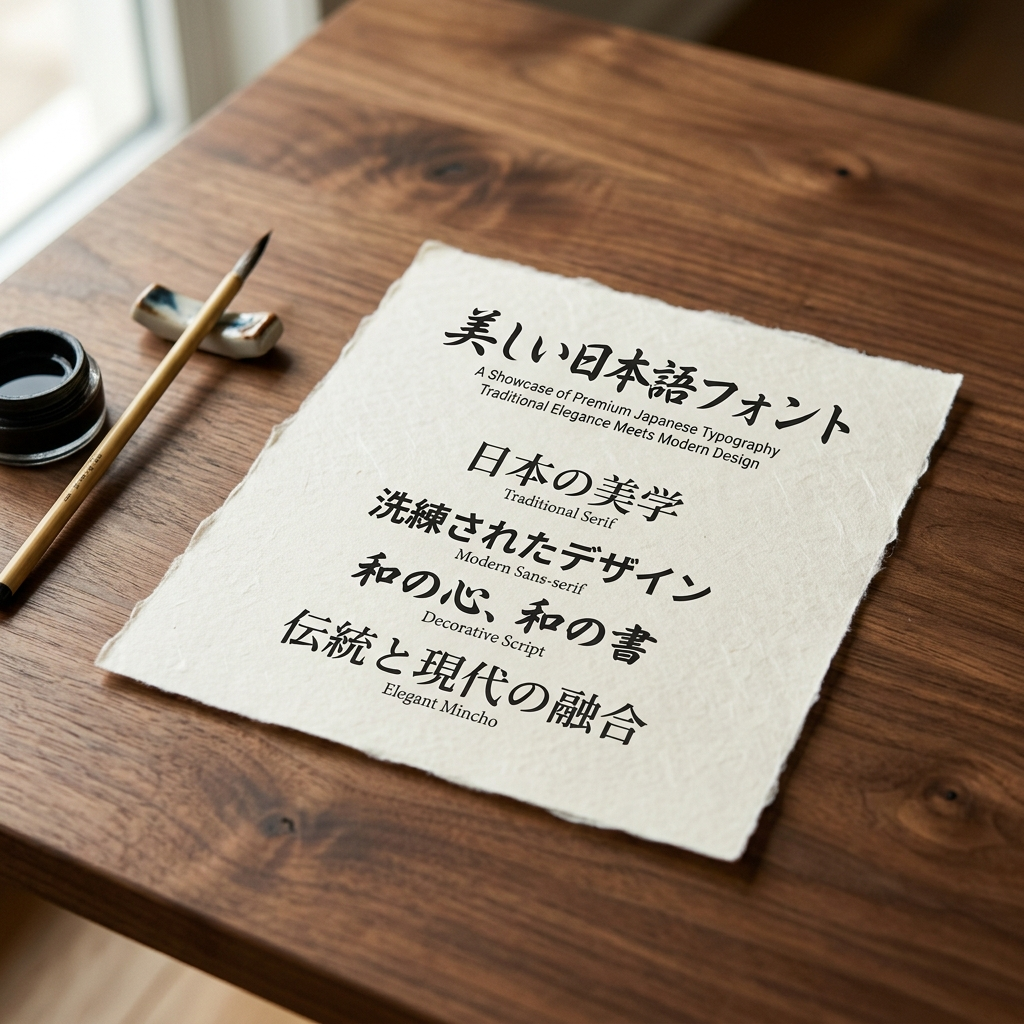
Understanding the Key Styles of Japanese Typography
When utilizing our Japanese font generator, you can filter typefaces into several major styles, each representing a unique design philosophy:
1. Mincho (明朝体 — Serif Equivalent)
Mincho is the classic, formal style of Japanese print typography, comparable to Serif fonts in English. Characterized by thick horizontal strokes and thin vertical strokes, it features decorative triangular counters (uroko) at the end of lines. Mincho typefaces look elegant, traditional, and are perfect for literary texts, historical designs, and high-end print media. Notable examples include Noto Serif JP and Shippori Mincho.
2. Gothic (ゴシック体 — Sans-Serif Equivalent)
Gothic style is clean, modern, and has uniform stroke widths with no decorative flares. It is highly readable on computer screens, mobile devices, and billboards. Gothic fonts are excellent for UI designs, technical diagrams, and bold visual statements. Popular options include Noto Sans JP, Sawarabi Gothic, and Zen Kaku Gothic New.
3. Brush & Calligraphy (毛筆体 / 書体)
Brush and calligraphy styles reflect the beauty of hand-painted ink strokes made by traditional calligraphers. These fonts feel dynamic, personal, and artistic, adding a traditional Japanese vibe to logos, restaurant menus, or martial arts designs. Classic examples in our generator are the Yuji series (Yuji Boku, Yuji Mai, Yuji Syuku) and Reggae One.
4. Rounded & Cute (丸ゴシック / ポップ体)
Rounded Gothic (Maru Gothic) and pop fonts feature soft, rounded corners and bubble shapes. They project a cute, friendly, and playful image, heavily used in anime promotions, manga, greeting cards, and children's content. Notable fonts in this category are M PLUS Rounded 1c, Kiwi Maru, and Mochiy Pop One.
How to Generate and Export Custom Japanese Designs
Follow these simple steps to generate and export your Japanese text designs:
Step 1 — Input Text or Translate English
Type your sentence in the input box. If you type in English, the tool will automatically translate it to Japanese (e.g. typing "Peace" translates to "平和"). If you paste Japanese directly, it will remain unchanged.
Step 2 — Pick and Customize a Style
Filter the list using the tags (Gothic, Mincho, Brush, Rounded, etc.) or search for a font by name. Toggle the customizer panel to select text gradient presets, customize solid colors, add rounded solid backdrops, or select transparent backgrounds.
Step 3 — Copy or Download the Previews
Click 'Copy Text' to copy the plain Unicode Japanese characters. Click 'Copy (as image)' to copy the styled preview as a high-resolution PNG image directly to your clipboard. Or click 'PNG download' or 'Transparent' to download the card as a solid or transparent graphic file.
Features of the FontGenix Japanese Font Changer
➤ No Installation Needed: Previews load instantly using Google Fonts CDN stylesheets. No need to install heavy TTF files onto your device to preview your text.
➤ Intelligent Translating: Auto-detects English strings and translates them to Hiragana, Katakana, or Kanji Japanese characters for quick graphic mockups.
➤ High-Resolution PNG Exports: Export graphics with transparent backgrounds up to 6x pixel ratio for crisp quality in Canva, Photoshop, or Figma.
➤ Favorites & History lists: Star your favorite Japanese font styles to quickly find them under a dedicated tab. Recent styles are saved locally.
Explore More Typography Tools
Need styles for other scripts, symbols, or decorative alphabets? Check out our free tools:
➤ FontGenix Main Generator: Transform any text into 250+ Unicode fancy styles on the FontGenix Homepage.
➤ English Font Style Generator: Style English/Latin text into 360+ Google Fonts and Unicode transformations on our dedicated English Font Style Generator.
➤ Arabic Font Style Generator: Convert Arabic script text into 260+ stylish calligraphy styles on our Arabic Font Style Generator.
➤ Sinhala Font Style Generator: Convert Sinhala script text into 110+ stylish calligraphy styles on our Sinhala Font Style Generator.
➤ Hindi Font Style Generator: Convert Devanagari Hindi text into 90+ calligraphy and handwriting styles on our Hindi Font Style Generator.
➤ Marathi Font Style Generator: Convert Marathi Devanagari text into 140+ stylish fonts on our Marathi Font Style Generator.
➤ Telugu Font Style Generator: Convert Telugu script text into 70+ premium calligraphy styles on our Telugu Font Style Generator.
➤ Tamil Font Style Generator: Convert Tamil script text into 77+ stylish calligraphy styles on our Tamil Font Style Generator.
➤ Malayalam Font Style Generator: Convert Malayalam script text into 204+ stylish calligraphy styles on our Malayalam Font Style Generator.
➤ Kannada Font Style Generator: Convert Kannada script text into 85+ premium calligraphy styles on our Kannada Font Style Generator.
➤ Bengali Font Style Generator: Convert Bengali script text into 88+ stylish calligraphy styles on our Bengali Font Style Generator.
➤ Gujarati Font Style Generator: Convert Gujarati script text into 48+ stylish calligraphy styles on our Gujarati Font Style Generator.
➤ Nepali Font Style Generator: Convert Nepali script text into 180+ stylish calligraphy styles on our Nepali Font Style Generator.
➤ Odia Font Style Generator: Convert Odia script text into 57+ premium calligraphy styles on our Odia Font Style Generator.
➤ Punjabi Font Style Generator: Convert Punjabi script text into 114+ stylish calligraphy styles on our Punjabi Font Style Generator.
➤ Cute & Pretty Font Generator: Decorate standard text with starry borders, bubbles, and flowers on our Cute & Pretty Font Generator.
➤ Fancy Numbers Generator: Convert digits into circled, boxed, or Roman numerals on the Fancy Numbers Font Generator.
Frequently Asked Questions
The Japanese Font Style Generator is an online typography utility that lets you preview and design Japanese text with 68+ open-source fonts. It features an English-to-Japanese translator, custom background coloring, and transparent PNG graphic exports.
If you type standard English text into the generator input box, the tool automatically detects it and queries Google's public translation API to output the equivalent Japanese characters (in Hiragana, Katakana, or Kanji). If you input Japanese characters directly, they are passed to the previews without translation.
Standard copy-paste operations copy plain Unicode characters only. Because visual font configurations depend on local stylesheet families, the styling will disappear when pasting plain text on social media or messaging platforms. To keep the font styles, click "Copy (as image)" to copy a PNG or download the file as a PNG.
Yes! By downloading the style preview card as a transparent PNG, you can import it as a graphic layer in Canva, Adobe Photoshop, Figma, PicsArt, or directly paste/drag the transparent graphic into your Instagram Stories or posts.
Yes, all typefaces are sourced from Google Fonts, which are open-source and free for both personal and commercial projects. FontGenix does not charge any usage fees.