
Bengali Font Style Generator ✍️
Transform your Bengali script text into stunning calligraphy, handwriting, and designer styles. Copy styled text as images, download solid/transparent PNG previews, or download TTF files instantly.
What is a Bengali Font Style Generator?
A Bengali Font Style Generator is an advanced web-based typography utility designed to help designers, bloggers, and content creators style Bengali script text in various artistic fonts. Unlike Latin characters, Bengali typography requires loading actual font files (TTF/OTF) to render unique calligraphy, traditional curves, or brush designs. This generator compiles 88+ premium Bengali font files into one easy-to-use playground, showing real-time previews of how your text looks in handwriting, display, and traditional calligraphy styles.
Our generator supports both modern Unicode Bengali fonts (compatible across all modern web browsers and mobile devices) and classic legacy Bijoy fonts that are widely used by DTP professionals and graphic designers in Bangladesh and West Bengal.
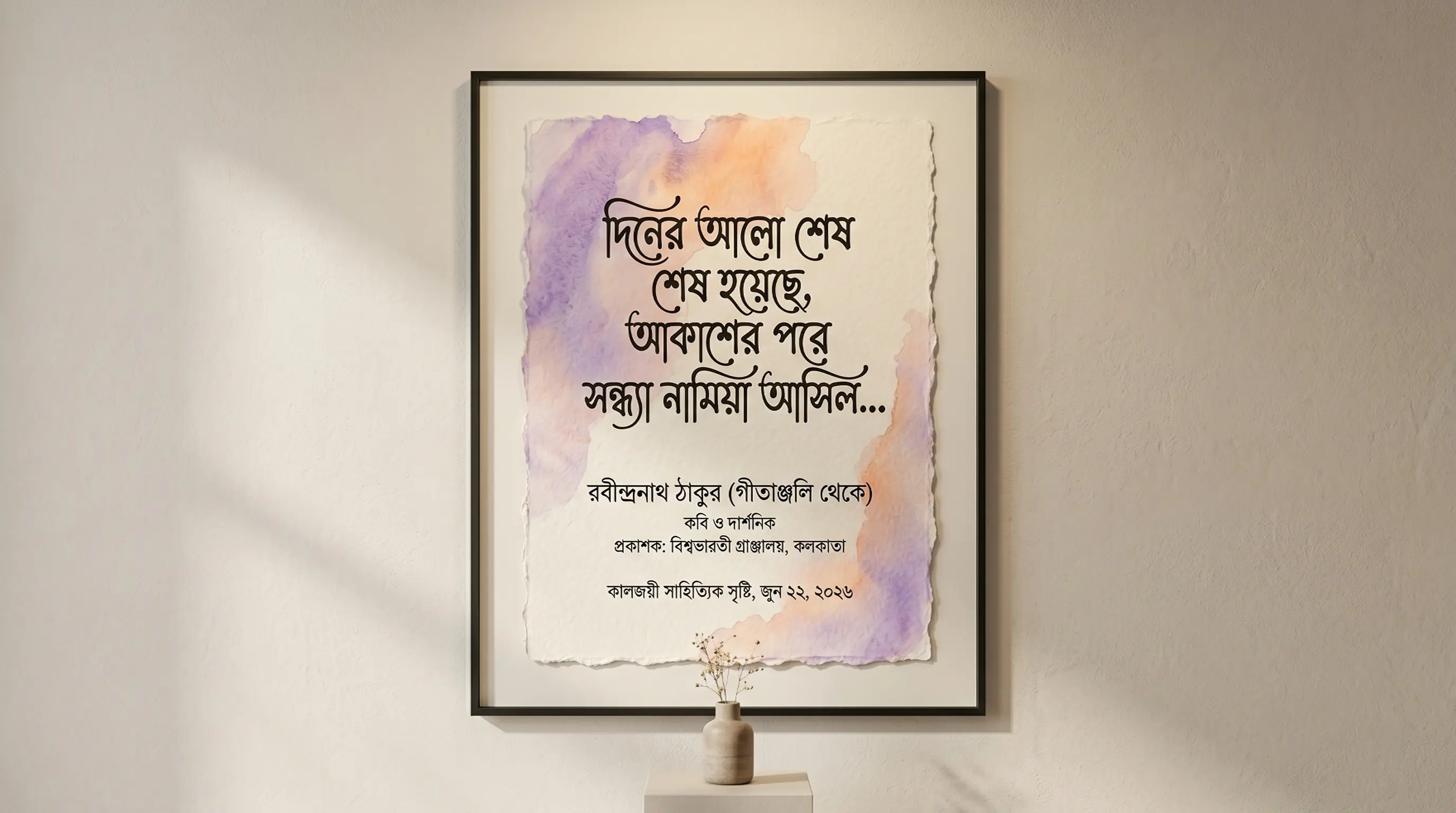
The Evolution & History of Bengali Script & Typography
The Bengali script (বাংলা লিপি) is one of the most widely used writing systems in the world, serving as the official script for the Bengali language spoken by over 230 million people across Bangladesh and the Indian state of West Bengal. It is a member of the Brahmic family of scripts, descended from the ancient Brahmi script via the Siddham script, evolving to its modern form around the 11th century CE.
Bengali script is known for its distinctive horizontal headline (called matra) that runs along the top of most characters, connecting letters within a word. The script features a rich system of conjunct consonants (juktakkhar), where two or more consonants join together to form unique combined glyphs, giving Bengali typography its characteristic dense and flowing appearance.
In the digital era, early Bengali word processing in Bangladesh relied on the Bijoy keyboard layout, developed by Mustafizur Rahman. Bijoy became the de facto standard for Bengali computing on Windows, mapping Bengali glyphs to standard ASCII positions in non-Unicode legacy fonts. With the Unicode standard, modern Bengali fonts now render universally across devices and browsers, but classic Bijoy fonts remain beloved among professional designers for their unmatched selection of calligraphic styles.
Understanding Unicode vs. Bijoy (Legacy) Font Systems
When working with Bengali typography, you will encounter two primary font architectures:
1. Modern Unicode Bengali Fonts (SolaimanLipi, Kalpana, CharuChandan, Rajani)
Unicode is the standard digital representation for Bengali script. Text typed using native Android or iOS keyboards is in Unicode. Unicode Bengali text is fully compatible with social media bios, chat messages, and web content because the letters are encoded as standard semantic Bengali characters. Swapping between Unicode Bengali faces changes only the rendering — the underlying juktakkhor conjuncts stay intact, so search engines and screen readers still read the words correctly.
2. Legacy Bijoy Layout Fonts (Korotoamj, Kalindismj, Sugondhamj, Dholeshwarimj)
Legacy Bijoy fonts use ASCII-mapping, which replaces Latin keyboard strokes with Bengali shapes. Decorative Bengali calligraphy, display headings, and local designer fonts in Bangladesh are often designed this way. If you copy a legacy Bijoy font string, it appears as random English characters, but when you paste it into DTP tools like Adobe Photoshop or CorelDraw and select the corresponding Bijoy font, it instantly displays beautiful Bengali script. Our tool automatically converts Unicode Bengali input into the correct legacy ASCII mapping in real-time.
How to Generate and Paste Custom Bengali Calligraphy in Photoshop
Bengali is one of the most demanding scripts to typeset digitally. Its juktakkhor conjuncts — ক্ষ, ঙ্গ, ন্ত্র, স্ট্র — collapse several consonants into a single fused glyph, its two-part vowel signs like ো and ৌ wrap around the consonant on both sides at once, and the ro-fola and reph attach as small hooks below and above the base. A font either implements those rules or it does not, and the only way to know is to look. That is what this workflow is for.
Step 1 — Input Bengali Text
Type real Unicode Bengali into the box at the top of this page — Gboard's Bangla layout, Avro Keyboard on a PC, or Google Input Tools all produce it. Do not paste in Bijoy keystroke code; if what you have looks like scrambled Latin characters, it is Bijoy ASCII, not Bengali, and it needs to be retyped. Make your test string a real one: include at least one juktakkhor and one word using the ো vowel, because those are the exact shapes that expose a broken font or a broken app.
Step 2 — Preview and Choose Style
Scan the previews with those trouble spots in mind. A Bengali display face fails in recognisable ways: the conjunct comes apart into two consonants joined by a visible hasanta (্) instead of fusing; the left half of the ো vowel sits on the wrong side of its consonant; or the ro-fola hook drifts away from the letter it belongs to. Use the Bijoy (Legacy) tab for the ASCII-mapped families the Bangladeshi print trade uses, and the Unicode tab for anything headed for the web or a phone. Then push the size slider hard — Bengali's dense conjuncts and heavy matra top-line are the first things to clog up at poster scale, and a stack like ন্ত্র that reads at 40px can become an ink blot on a Durga Puja pandal board.
Step 3 — Copy as Image or Download PNG
Once a font renders your test conjuncts cleanly, use Copy (as image) to send the rendered line straight to your clipboard, or take a PNG download or Transparent PNG. This matters more in Bengali than in almost any other script: the browser has already run the full shaping pass — conjunct formation, hasanta resolution, two-part vowel reordering — and baked the result into pixels, so nothing downstream can un-shape it. For Durga Puja and Pohela Boishakh artwork, a Bengali book or magazine cover, or Kolkata and Dhaka shop signage, the transparent PNG lets you drop finished Bengali lettering over photography or texture with the ligatures guaranteed correct.
Step 4 — Use in Photoshop or Install TTF
To set live editable Bengali, install the TTF — and if it is a Unicode face such as SolaimanLipi, open Photoshop's Preferences → Type and switch the text engine to Middle Eastern & South Asian (the World-Ready composer) before you do anything else, then restart the app. Without it Photoshop has no Bengali shaping at all: your juktakkhor stay unmerged, the hasanta shows as a stray mark, and the ো vowel splits in half. With it on, you can type Bengali directly on the canvas. Bijoy fonts sidestep the whole problem because they never touch Unicode — each Latin key is bound to a finished Bengali glyph, including pre-drawn conjuncts, which is precisely why Bijoy survived so long in Bangladeshi newspapers and DTP houses even after Avro made Unicode typing easy. Just remember the trade-off: Bijoy text is stored as Latin bytes, so it will never be searchable, copy-pasteable, or readable outside a machine that has the same font installed.
Features of the FontGenix Bengali Font Changer
➤ 88+ Font Variations: View your design across a vast library of unique Bengali TTF font files instantly in one dashboard.
➤ Real-time Size Adjuster: Customize the size slider from 1px to 100px to check readability for titles, logos, or posters.
➤ Favorites List: Bookmark your favorite styles to access them quickly during large design projects.
➤ 100% Free & Client-Side: Runs entirely in your browser. No registration, no ads, and complete privacy for your text.
Types of Bengali Fonts Available
| Font Category | Examples | Primary Use Cases |
|---|---|---|
| Unicode Web Fonts | SolaimanLipi, Kalpana, Rajani, Madhumati | Website articles, blog bodies, mobile interfaces, and digital copy. |
| Bijoy Calligraphy Fonts | Dholeshwarimj, Sugondhamj, Korotoamj | Wedding cards, festival flyers, banners, movie posters, and YouTube thumbnails. |
| Handwriting & Brush | CharuChandan, Bodhisatwa, Pinkiy | Creative designs, informal flyers, social media quotes, and book covers. |
| Heavy Display Fonts | Korotoamj Bold, Kumarkhalimj Bold | High-contrast headings, magazine titles, and product packaging layouts. |
Why Use Bengali Calligraphy Fonts in Graphic Design?
Typography is crucial for conveying visual tone. In Bengali culture, calligraphy has deep historical and cultural significance — from ancient palm-leaf manuscripts to modern Pohela Boishakh (Bengali New Year) celebrations. Standard web fonts often feel too clean and lack the bold curves and hand-drawn styling needed for banners, wedding invitations, and festival flyers. Utilizing premium Bijoy font variations adds immediate authority and a crafted, professional feel to your designs.
Our generator lets you audition faces live, which matters for Bengali because a conjunct like ক্ষ or ন্ত্র can look elegant in one face and collapse into an unreadable blob in another. Whether designing a title for a Eid or Durga Puja social media graphic, or a soft script layout for a literary magazine, having access to 88+ styles is an invaluable asset for designers.
Tips for Installing and Using TTF Fonts on Mobile & Desktop
Getting the file onto your machine takes ten seconds. Getting Bengali to render correctly afterwards depends entirely on whether the destination app can do complex-text shaping — and on whether you are feeding it Unicode Bengali or Bijoy ASCII. Use this as a compatibility checklist.
How to Install Fonts on Windows & macOS
Double-click the .ttf and choose Install on Windows or Install Font in macOS Font Book. Then note which kind of font it is, because the input differs. A Unicode Bengali family (SolaimanLipi and its relatives) takes real Bengali text and is shaped by the OS engine — DirectWrite on Windows, Core Text on macOS — so conjuncts and two-part vowels resolve automatically in Word, Illustrator or Premiere Pro, and the text stays selectable and searchable. A Bijoy font is not Bengali to the system at all: it is a Latin-encoded typeface whose glyph slots hold Bengali shapes, so you leave the keyboard in English and type ASCII. That is why an old Bijoy press file opens as gibberish on a machine without the font, and why Bijoy documents can never be spell-checked or indexed. Outline or embed Bijoy text before sending any print file to a Dhaka or Kolkata press.
How to Import Fonts to PicsArt & PixelLab (Mobile)
Copy the TTF into PicsArt/Fonts, or add it in PixelLab from the Font menu's My Fonts tab using the folder icon. Then test one conjunct before you build anything. Mobile design apps are where Bengali fails hardest, because they frequently draw one glyph per codepoint with no shaping: your juktakkhor breaks into separate consonants with a visible hasanta between them, and the ো vowel splits into its two halves in the wrong places. If your test word breaks, do not try to hand-kern around it — that route ends in misspelt Bengali on a finished banner. Come back here, set the line properly, and use Copy (as image) or the transparent PNG as a graphic layer instead. Bijoy fonts typically survive the import because their conjuncts are pre-drawn into the glyph slots, so the app has no shaping left to get wrong.
How to Upload Fonts to Canva
With Canva Pro, add your TTF under Brand → Brand Fonts → Upload a Font. Unicode Bengali fonts shape correctly in Canva, which makes it a reasonable place to build Bengali social graphics, Puja invitations or presentation covers that a colleague may need to edit later. A Bijoy font will also upload, but the text box then expects the ASCII keystroke code rather than Bengali characters — paste actual Bengali and Canva will silently drop your font and render Latin letters. For a one-off headline, exporting a transparent PNG from this page and dropping it onto the Canva canvas is both quicker and safer than the Brand Kit route.
Explore More Typography Tools
Check out our other free text styling tools:
➤ Main Font Generator: Style Latin script text into 250+ stylish variations on the FontGenix Homepage.
➤ English Font Style Generator: Convert English text into 360+ Google Fonts and Unicode variations on our English Font Style Generator.
➤ Arabic Font Style Generator: Convert Arabic script text into 260+ stylish calligraphy styles on our Arabic Font Style Generator.
➤ Sinhala Font Style Generator: Convert Sinhala script text into 110+ stylish calligraphy styles on our Sinhala Font Style Generator.
➤ Japanese Font Style Generator: Convert Japanese script text into 68+ stylish fonts on our Japanese Font Style Generator.
➤ Hindi Font Style Generator: Convert Hindi text into 90+ custom calligraphy designs on our Hindi Font Style Generator.
➤ Marathi Font Style Generator: Convert Marathi text into 140+ custom calligraphy designs on our Marathi Font Style Generator.
➤ Gujarati Font Style Generator: Convert Gujarati script text into 48+ stylish calligraphy styles on our Gujarati Font Style Generator.
➤ Nepali Font Style Generator: Convert Nepali script text into 180+ stylish calligraphy styles on our Nepali Font Style Generator.
➤ Odia Font Style Generator: Convert Odia script text into 57+ stylish calligraphy styles on our Odia Font Style Generator.
➤ Punjabi Font Style Generator: Convert Punjabi script text into 114+ stylish calligraphy styles on our Punjabi Font Style Generator.
➤ Telugu Font Style Generator: Convert Telugu script text into 70+ stylish calligraphy styles on our Telugu Font Style Generator.
➤ Tamil Font Style Generator: Convert Tamil script text into 77+ stylish calligraphy styles on our Tamil Font Style Generator.
➤ Malayalam Font Style Generator: Convert Malayalam script text into 204+ stylish calligraphy styles on our Malayalam Font Style Generator.
➤ Kannada Font Style Generator: Convert Kannada script text into 85+ stylish calligraphy styles on our Kannada Font Style Generator.
Frequently Asked Questions
The Bengali Font Style Generator is an online utility that enables you to style Bengali script text in 88+ custom Unicode and legacy Bijoy fonts (including calligraphy, handwriting, and display designs). You can type in Bengali, preview the output instantly, copy it as an image, or download solid/transparent PNGs and TTF files.
You can copy the styled text as a high-quality PNG image to your clipboard by clicking the 'Copy (as image)' button, or download it as a PNG file with a solid white or transparent background using the 'PNG download' and 'Transparent' buttons.
You can download the raw TTF font files directly by clicking the 'TTF download' button next to any font style. This allows you to install the font family locally on your operating system and use it in tools like Photoshop, CorelDraw, Illustrator, or MS Word.
Yes! Standard Unicode fonts work natively, but legacy Bijoy calligraphy fonts require font files installed on the viewer's device. To share styled calligraphy text on social media like Instagram, WhatsApp, or TikTok, click the 'Copy (as image)' button and paste it directly as a graphic preview in your stories, chat feeds, or posts.
You can write Bengali text using standard keyboards on your phone or PC. On Android/iOS, use Gboard or Swift Keyboard with Bengali layout enabled. On Windows, use Avro Keyboard or Google Input Tools. Alternatively, type phonetically in English (e.g. "bangla") and have it converted into Bengali characters ("বাংলা") in real-time before pasting into our input box.
Yes, all Bengali fonts on FontGenix are 100% free to download and use for personal or educational projects. For commercial usage, please refer to the specific licensing terms of individual font authors.
Yes! Once you download the TTF files from our generator, you can install them on your system to use in professional design software like Adobe Photoshop, CorelDraw, and Illustrator, or import them directly into video editing apps like Kinemaster and graphic design tools like Canva.