
Emoji Copy and Paste 🌻
The ultimate one-stop destination for expressive emojis. Browse thousands of emojis — click to copy instantly, search by keyword, and build multi-emoji strings with one tap. iOS, Android, Windows & macOS compatible.
Advertisement
😀 Smileys & Emotions
(165)🧒 People & Body
(363)🐶 Animals
(124)🌱 Plants & Flowers
(27)Showing 4 of 20 categories
What is an Emoji?
Emoji come from the Japanese words "e" (picture) and "moji" (character). They are small picture-like digital images used to express emotions, ideas, and concepts in online communication. Today, emojis are an inseparable part of digital conversations, serving to express emotions, add humour, or prevent misunderstandings through short, visual messages.
Emojis can represent smiling faces, hearts, animals, food, and all sorts of symbols that convey a huge range of emotions and ideas. This universal language transcends spoken-language barriers, and emojis have changed how we communicate by making our online conversations livelier every day.
History of Emojis
The history of emojis traces back to the late 20th century in Japan, where engineer Shigetaka Kurita created the first set of 176 simple pixelated icons. Inspired by manga and Chinese characters, these icons aimed to convey emotions using the simplest visual identity when launched for mobile internet platforms.
In 2010, the Unicode Consortium approved emojis for the Universal Character Encoding Standard, enabling standardisation across platforms. Since then, emojis have multiplied in popularity: as of 2022, more than 3,600 emojis exist across platforms. The Oxford Dictionary even named the 'Face with Tears of Joy' emoji its 2015 Word of the Year.
How to Use This Emoji Copy & Paste Tool
Step 1 — Find your emoji
Browse by scrolling through the grid, click a category pill to jump to a section, or type in the search bar to find emojis by keyword (e.g. "fire", "heart", "dog").
Step 2 — Copy it
Click any emoji to instantly copy it to your clipboard. A check mark confirms the copy. Just paste it anywhere with Ctrl+V (PC) or Command+V (Mac).
Step 3 — Build multi-emoji strings
Hover over an emoji and click "+ Clipboard" to add it to the sticky clipboard bar. Keep adding more emojis, then click "Copy All" to copy the entire sequence at once.
Different Categories of Emojis
Smileys & Emotions 😀
Express yourself with our lovely collection of smileys and emotions! Choose the perfect emoji to convey happiness, laughter, sadness, surprise, and everything in between.
People & Body 🧍
Explore the diversity of human nature with the extensive set of people and body emojis. Give a human touch to your messages!
Animals 🐶
From loveable pets to majestic wildlife, discover a menagerie of emojis that will bring considerably cute animal characters to your chats.
Plants & Flowers 🌻
Put the freshness of nature into your messages from our plant and flower emojis collection. Perfect for expressions, celebrations, or simply brightening someone's day!
Food & Drinks 🍔
Whet your appetite with our food and drink emojis. With everything from delicious dishes to refreshing drinks, spice up your texts!
Travel & Places 🌍
Travel and places emojis will transport you elsewhere. Whether you are planning a trip or reminiscing, say it with the perfect emoji!
Sports & Activities ⚽
Score big with our sports & activities emojis! Whether you are a sport enthusiast or gym freak, there is an emoji for your passion.
Objects 🛋️
Explore the world of objects in our emoji catalogue. Search through everyday items and well-known symbols for images to enhance your messages.
Symbols & Signs ♻️
Establish clear communication using our symbols and signs emojis — from arrows to mathematical symbols — to convey your message at a glance.
Hearts 💖
Express love, friendship, and many other emotions through heart emojis. From classic red hearts to special designs, find the perfect symbol for every occasion.
Where You Can Use These Emojis
➤ Messaging apps like WhatsApp, Facebook Messenger & iMessage for lighthearted conversations.
➤ Emails and professional communication when relevant, to replace plain text.
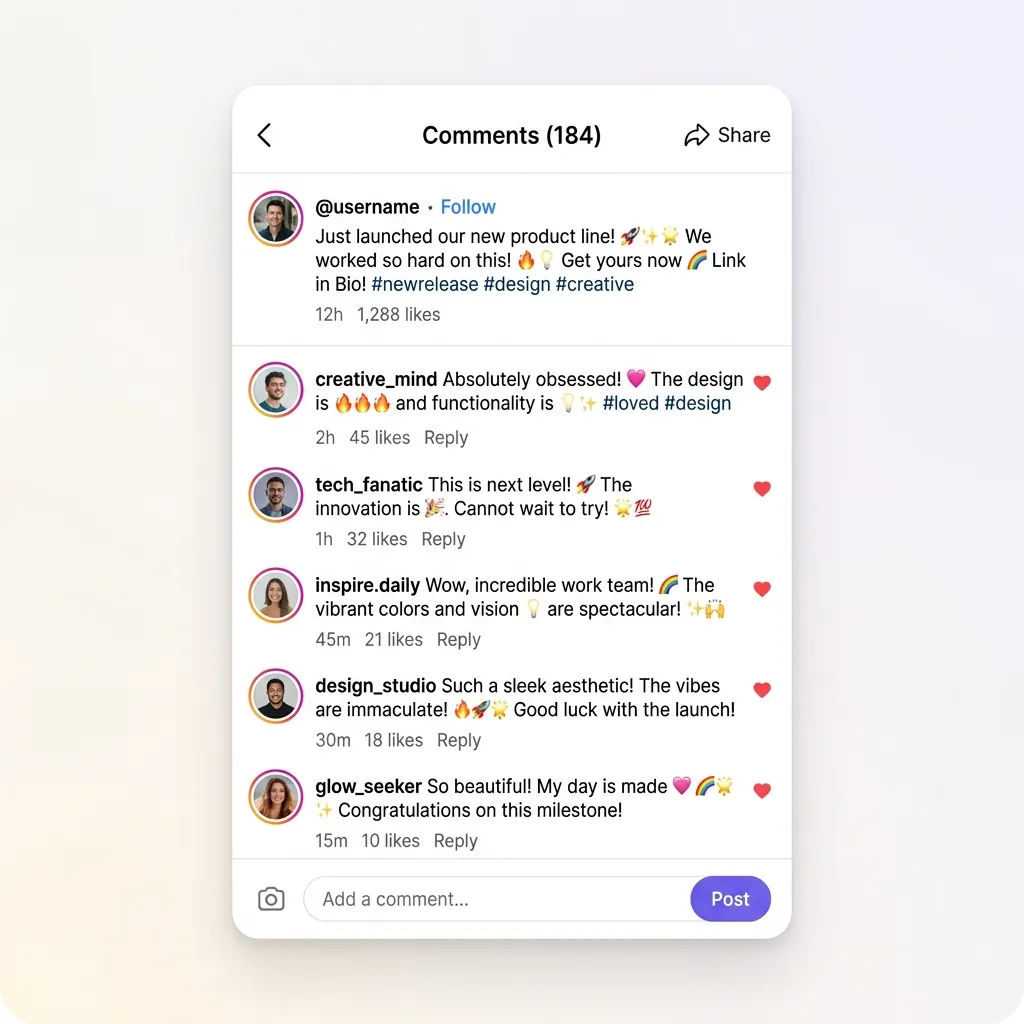
➤ Social media sites like Facebook, Instagram, Twitter/X, and TikTok posts and stories.
➤ Discussion forums and chat rooms to visually express your reactions.
➤ Dating apps like Tinder or Bumble to showcase your personality.
➤ Feedback forms and surveys to indicate quick responses.
➤ Presentations, documents, and school/work projects to create visual impact.
Features of Our Emoji Tool
🟆 Vast Library of Emojis
We offer access to a big library of emojis — from the most common smileys to rare and specialised symbols — giving your expressions maximum vividness.
🟆 Instant One-Click Copying
Just click, copy, and paste into your messages, social media posts, or documents. No complex keyboard shortcuts or emoji codes required.
🟆 Smart Search Functionality
Search by keyword, emoji name, or category to find the perfect emoji in seconds — saving you time scrolling through thousands of options.
🟆 Multi-Emoji Clipboard
Add multiple emojis to the persistent clipboard bar and copy them all at once — perfect for crafting expressive emoji strings and reactions.
🟆 Recently Used Emojis
Your recently used emojis are remembered locally so your favourites are always just one click away.
🟆 Mobile & Desktop Compatible
Our emoji copy and paste tool is fully responsive — looking great and working seamlessly on smartphones, tablets, and desktops. Copy emojis on the go!
Emojis vs. Text Symbols vs. Kaomoji vs. Emoticons
➤ Emojis: Standardized graphical representations of faces, objects, and symbols. They render as colorful illustrations on most platforms (e.g., 😀, 🐶, 🍕). They are defined by the Unicode Consortium.
➤ Text Symbols: Plain text glyphs (such as ★, ➔, 🔣, or ♫). Since they are part of character sets rather than images, they are lightweight and render in the color of the surrounding text.
➤ Kaomoji (Japanese Emoticons): Text art representations of faces or actions made from combinations of symbols (e.g., (❁´◡`❁) or (╯°□°)╯︵ ┻━┻). Popular in gaming and anime communities.
➤ Emoticons: The classic, sideways, keyboard-character expressions (such as :-) or :-D) that preceded modern graphical emojis.
Cross-Platform Compatibility: Why Emojis Render Differently on iOS, Android, and Windows
Have you ever noticed that a smiley or heart emoji looks completely different when sent from an iPhone to a Samsung or Windows laptop? This is because the Unicode Consortium only determines the meaning and code point of each emoji, not its design.
Apple, Google, Microsoft, and Samsung each employ design teams to create custom graphics for their operating systems. Apple prefers realistic, glossy, 3D-like textures. Google's design uses bright, flat, minimalist cartoon illustrations. Microsoft uses flat designs with thick black outlines, and Samsung has its own distinct styles. Thus, while the underlying character code remains identical, the visual rendering is customized for each platform.
Troubleshooting "Tofu" Boxes: Why Do Emojis Sometimes Appear as ☒ or Empty Rectangles?
If you copy an emoji and it appears as a question mark inside a box, a blank square, or two separate glyphs on your device, you are experiencing what designers call "Tofu". This happens when your operating system or application does not support the Unicode version of that particular emoji.
The Unicode Consortium updates its library annually. If you are using an older smartphone or computer that hasn't received system updates in a while, your device lacks the fonts required to display the newest characters. To fix this, update your operating system (iOS, Android, Windows, macOS) or update your web browser to the latest version.
Using Emojis to Boost Social Media Engagement and Email Open Rates
In digital marketing, emojis are a powerful tool to increase click-through rates (CTR) and capture audience attention. Research shows that using emojis in email subject lines can improve open rates by 20% to 50%. On social media platforms like Instagram, Facebook, and TikTok, posts containing emojis see higher engagement rates, as they add personality and break up long blocks of text.
However, best practices suggest using them moderately. Ensure the emojis you select align with your brand's tone. Overusing emojis can look unprofessional or clutter screen readers, making your content less accessible to visually impaired users who rely on assistive technologies.
Also Explore Our Other Tools
➤ Social Fonts Generators: Design custom layouts for bios, captions, and posts on Instagram, Facebook, Twitter (X), YouTube, LinkedIn, WhatsApp, and Discord.
➤ Gaming Name Styles: Create unique, styled nicknames and copy custom symbols for Free Fire and PUBG Mobile.
➤ Main Font Changer: Generate 250+ unique text styles (including bold, cursive, glitch, and boxed styles) on the FontGenix Homepage.
➤ Nepali Font Style Generator: Convert Nepali script text into 180+ stylish calligraphy styles on our Nepali Font Style Generator.
➤ Cute Font Generator: Decorate standard text with starry borders, bubbles, and flowers on our Cute & Pretty Font Generator.
➤ Fancy Numbers Generator: Convert digits into circled, subscripts, superscripts, and Roman numerals on our Fancy Numbers Font Generator.
➤ Kaomojis Copy & Paste: Access over 150+ horizontal Japanese emoticons (shy blushing, pets, happy faces) on our Kaomojis picker.
➤ Text Symbols Copy & Paste: Copy and paste 2,000+ special characters (arrows, hearts, stars, math equations) from our Text Symbols library.
Frequently Asked Questions
An emoji copy-paste website eases the procedure for users to browse through large libraries of emojis and copy them with a single click. These libraries feature intuitive search and category filters so you can quickly find any emoji to paste anywhere.
Emoji copy-paste sites provide access to rare, updated, and platform-exclusive emojis that your standard keyboard may not offer. They also let you copy multiple emojis at once and search by keyword, making it faster and easier to find exactly what you need.
Simply click on any emoji to copy it instantly to your clipboard. Then press Ctrl+V on PC or Command+V on Mac to paste it into any text field. For multiple emojis, hover and click "+ Clipboard" to build a string, then hit "Copy All".
Yes! Our emojis are compatible with virtually every modern device including smartphones, tablets, and computers. They work on iOS, Android, Windows, and macOS — and can be pasted into texts, social media, emails, and documents.
We regularly update our emoji library with all new Unicode-approved emojis, ensuring you always have access to the latest additions — including new skin tones, genders, and themed collections.
Absolutely! Our emojis are standard Unicode characters. Once you copy them, you can paste them directly into Instagram bios, TikTok captions, Facebook posts, Twitter tweets, and YouTube comments to make your profile stand out.
The Unicode Consortium only sets the standard code for each emoji, but tech companies like Apple, Google, and Microsoft design their own artwork. This is why a smiley face might look glossy on an iPhone but flat on a Windows PC.
Yes, our emoji copy and paste tool is 100% free to use. There are no hidden fees or sign-ups required. You can copy as many emojis as you like for your personal or professional projects.