
Bold Text Font Generator 𝐁
Convert plain text into thick, heavy bold fonts. Enter your text below to generate bold serif and bold sans-serif styles for one-click copy and paste.
𝐁𝐨𝐥𝐝 𝐒𝐞𝐫𝐢𝐟 𝐅𝐨𝐧𝐭
𝗕𝗼𝗹𝗱 𝗦𝗮𝗻𝘀-𝗦𝗲𝗿𝗶𝗳 𝗙𝗼𝗻𝘁
𝑩𝒐𝒍𝒅 𝑰𝒕𝒂𝒍𝒊𝒄 𝑺𝒆𝒓𝒊𝒇
𝘽𝙤𝙡𝙙 𝙄𝙩𝙖𝙡𝙞𝙘 𝙎𝙖𝙣𝙨
𝕭𝖔𝖑𝖉 𝕲𝖔𝖙𝖍𝖎𝖈 𝕱𝖔𝖓𝖙
𝔻𝕠𝕦𝕓𝕝𝕖 𝕊𝕥𝕣𝕦𝕔𝕜
【B】【o】【l】【d】 【E】【d】【g】【e】 【F】【r】【a】【m】【e】
What is a Bold Text Generator?
A bold text generator is a free online tool that converts your regular characters into thick, heavy-stroked fonts. Traditionally, if you want to bold your text, you must rely on rich text styling (like HTML or markdown markup). However, social profiles and comments only accept plain text. Our generator solves this by mapping standard Latin letters into Mathematical Bold Unicode blocks that render as thick text on all screens. This gives you the freedom to introduce visual hierarchy directly inside comment boxes, status updates, or profile descriptions without needing advanced formatting features.
Because they are standard character codes, they look bold when copied and pasted on any digital platform, including comments, chats, and bios. If you want other styling options, you can easily pair these bold styles with our small text generator or create elegant signatures with the cursive font generator. Web software interprets these as actual unique glyph definitions, allowing the formatting to survive database transfers, server caching processes, and user-interface themes across different mobile applications.
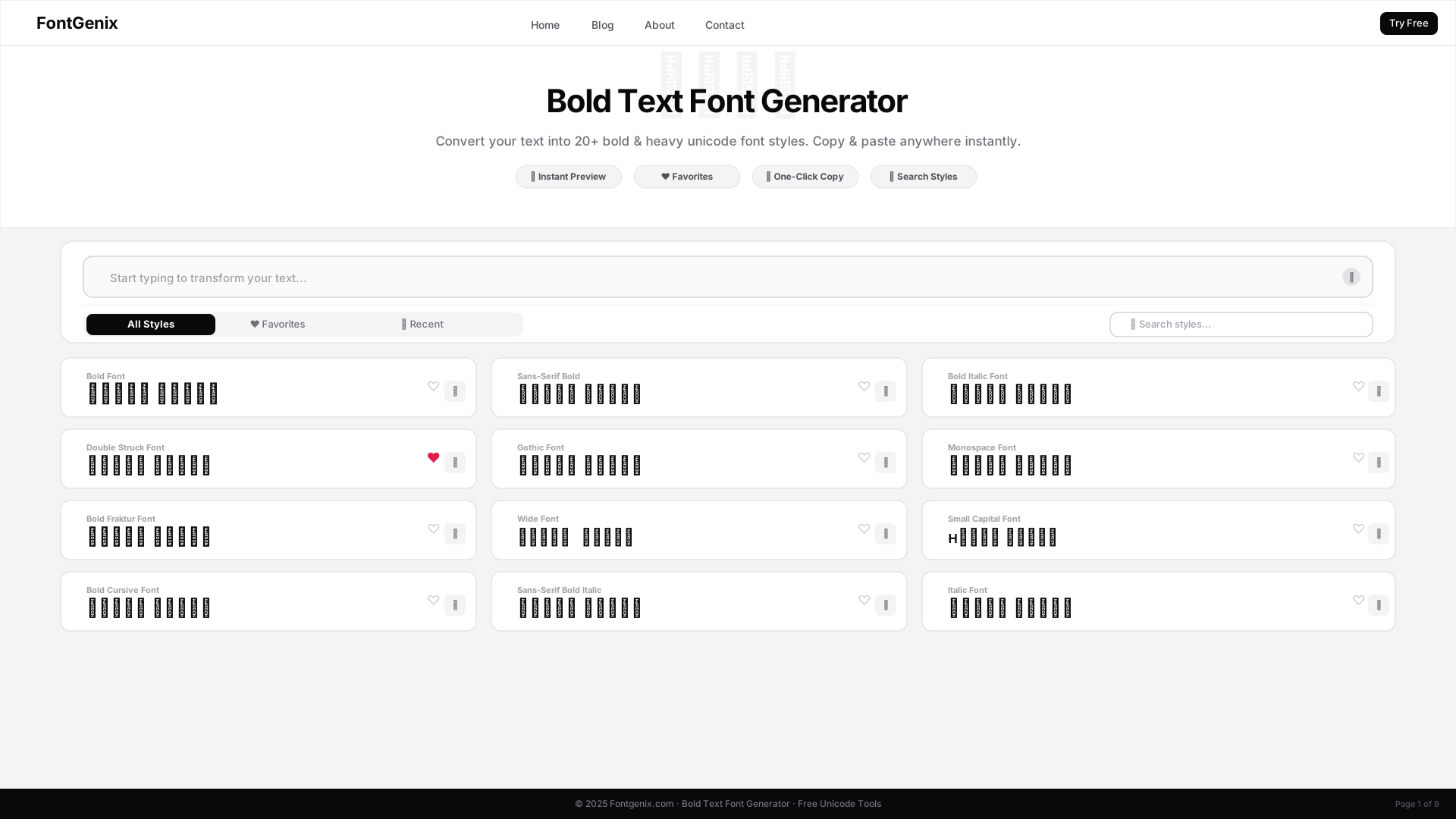
Bold Styles Available
Our generator features multiple bold layouts, each designed to serve different branding aesthetics and readability targets. You can experiment with different variations to see which fits your content layout best:
- Bold Serif (𝐁): Classic, thick letters with decorative strokes (serifs) at the ends of lines. Great for high-end status updates, professional announcements, and elegant bio captions that demand authority.
- Bold Sans-Serif (𝗕): Modern, clean, and straight bold lettering without serifs. Excellent for titles, profiles, gaming names, and digital interfaces where high readability is key.
- Bold Italic (𝑩): Slanted, heavy typography designed for maximum emphasis, drawing high visual contrast in fast-scrolling feeds.
How to Generate Bold Text
Using our online generator is incredibly simple and takes only a few seconds. Follow this straightforward guide to start styling your text:
- Type: Enter the name, phrase, or sentence you want to emphasize in the large input box at the top of this page.
- Select: Look down the live outputs list to locate bold serif, bold sans-serif, or bold italic variants that match your design goals.
- Copy: Tap the box containing your chosen bold text layout card. The tool will copy it instantly to your clipboard.
- Paste: Use the copied bold fonts immediately in your Instagram posts, Twitter tweets, Facebook headers, or WhatsApp profiles.
The Science of Unicode: How Bold Font Generators Work
Under the hood, a bold text generator doesn't actually install or modify font files on your operating system. Instead, it relies on Unicode, the international coding standard designed to represent every character from every writing system in the world. Specifically, standard characters are converted into Mathematical Alphanumeric Symbols. These blocks were originally introduced to allow scientists and mathematicians to write complex formulas with unique formatting without needing layout markups. Today, font makers use these same blocks to create copy-pasteable bold text for social platforms, leveraging the native character maps already bundled inside every web browser.
Best Practices for Using Bold Fonts on Social Media
While bold letters are an excellent way to capture attention in your captions, hashtags, or headers, they should be used strategically. Keep in mind that screen readers designed for visually impaired users cannot read Mathematical symbols like standard text; they read them character by character (e.g., "Mathematical Bold Capital A"). To ensure accessibility, use bold fonts for decorative titles, highlight key phrases, and keep the main body of your posts in standard text. This balances high visual engagement with digital accessibility standards.
Creative Visual Styling Ideas
Bold font styles are incredibly versatile when it comes to creative text layouts. You can highlight core promotional details such as ❴𝐒𝐀𝐋𝐄❵, emphasize gaming tags or squad names to project strength, or structure professional bios on LinkedIn to make job titles pop instantly. Another popular technique is combining bold characters with standard symbols (like stars, arrows, or brackets) to frame key calls-to-action in newsletter subject lines and status updates. This creates a custom typography hierarchy that mimics high-end editorial layouts.
Deep Dive into Unicode Code Points
The characters generated by this tool fall into the Mathematical Alphanumeric Symbols Unicode block, spanning from U+1D400 to U+1D7FF. Specifically, Mathematical Bold Capital A is represented by U+1D400, while Mathematical Bold Small z matches U+1D433. Unicode lists separate sub-ranges for Serif Bold, Sans-Serif Bold, Bold Italic, and Bold Fraktur. Because these code points are distinct from standard basic Latin (U+0041 to U+007A), devices draw them as thick glyphs regardless of the font stylesheet loaded by the active webpage, bypasses local CSS boundaries entirely.
Platform Compatibility & Rendering Fallbacks
Major social networks like Instagram, TikTok, Threads, X (formerly Twitter), Facebook, and LinkedIn have complete native support for Unicode mathematical blocks. They will render our bold serif (𝐁) and bold sans-serif (𝗕) text styles flawlessly. However, some older browsers, legacy operating systems (like Windows XP/7 or Android 5), or retro game platforms may fail to load these newer ranges. In such cases, the system defaults to displaying empty squares, question marks, or simple blank spaces as fallback symbols. We recommend checking your outputs on a secondary mobile screen before finalizing public profiles.
Design Guidelines for Visual Balance
To achieve a premium, professional design look, avoid converting entire blocks of paragraphs into bold Unicode text. Having too many bold characters on a single screen creates visual noise, reduces scanning speed, and feels aggressive. A good rule of thumb is to bold no more than 15-20% of your post's content. Use bold symbols specifically for headings, event dates, promotional coupon codes, or specific terminology, leaving standard paragraph copy in clean ASCII text. This guarantees clean design contrast and high conversion rates.
Explore More Typography Tools
Need styles for specific scripts, decorative symbols, or Google Font previews? Check out our specialized free tools:
➤ Specific Style Font Generators: Customize your text into specific style variants using our bold text generator, bubble text generator, cursive text generator, glitch text generator, small text generator, strikethrough text generator, underline text generator, upside down text generator, and zalgo text generator.
➤ Social Fonts Generators: Design custom layouts for bios, captions, and posts on Instagram, Facebook, Twitter (X), YouTube, LinkedIn, WhatsApp, and Discord.
➤ Gaming Name Styles: Create unique, styled nicknames and copy custom symbols for Free Fire and PUBG Mobile.
➤ English Font Style Generator: Style English/Latin text into 360+ Google Fonts and Unicode transformations on our dedicated English Font Style Generator.
➤ Arabic Font Style Generator: Convert Arabic script text into 260+ stylish calligraphy styles on our Arabic Font Style Generator.
➤ Sinhala Font Style Generator: Convert Sinhala script text into 110+ stylish calligraphy styles on our Sinhala Font Style Generator.
➤ Japanese Font Style Generator: Convert Japanese script text into 68+ stylish fonts on our Japanese Font Style Generator.
➤ Hindi Font Style Generator: Convert Devanagari Hindi text into 90+ calligraphy and handwriting styles on our Hindi Font Style Generator.
➤ Marathi Font Style Generator: Convert Marathi Devanagari text into 140+ stylish fonts on our Marathi Font Style Generator.
➤ Telugu Font Style Generator: Convert Telugu script text into 70+ premium calligraphy styles on our Telugu Font Style Generator.
➤ Tamil Font Style Generator: Convert Tamil script text into 77+ stylish calligraphy styles on our Tamil Font Style Generator.
➤ Malayalam Font Style Generator: Convert Malayalam script text into 204+ stylish calligraphy styles on our Malayalam Font Style Generator.
➤ Kannada Font Style Generator: Convert Kannada script text into 85+ premium calligraphy styles on our Kannada Font Style Generator.
➤ Bengali Font Style Generator: Convert Bengali script text into 88+ stylish calligraphy styles on our Bengali Font Style Generator.
➤ Gujarati Font Style Generator: Convert Gujarati script text into 48+ stylish calligraphy styles on our Gujarati Font Style Generator.
➤ Nepali Font Style Generator: Convert Devanagari Nepali text into 180+ calligraphy and handwriting styles on our Nepali Font Style Generator.
➤ Odia Font Style Generator: Convert Odia script text into 57+ premium calligraphy styles on our Odia Font Style Generator.
➤ Punjabi Font Style Generator: Convert Punjabi script text into 114+ stylish calligraphy styles on our Punjabi Font Style Generator.
➤ Cute & Pretty Font Generator: Decorate standard text with starry borders, bubbles, and flowers on our Cute & Pretty Font Generator.
➤ Fancy Numbers Generator: Convert digits into circled, boxed, or Roman numerals on the Fancy Numbers Font Generator.