
Fancy Fonts for WhatsApp: Spruce Up Your Chats with Stylish Text
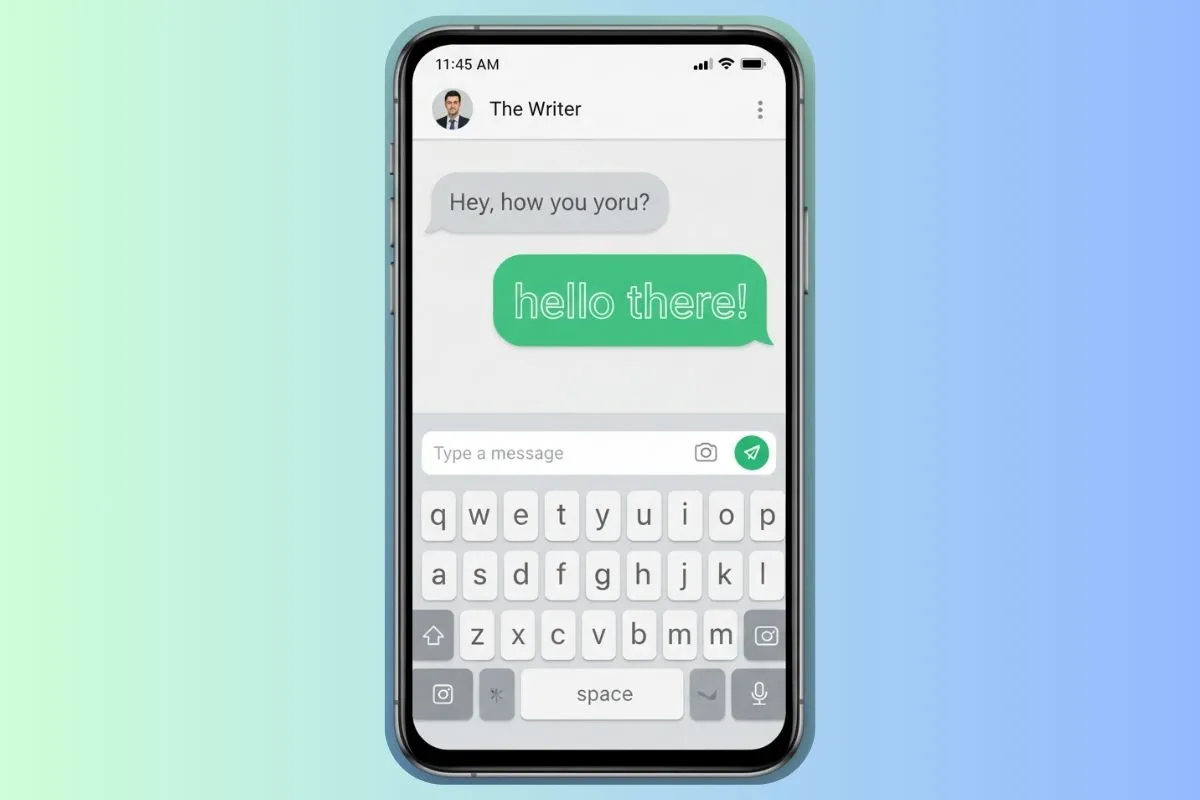
WhatsApp has become one of the world's most popular messaging apps, with billions of active users communicating daily. While WhatsApp includes some basic text formatting options (bold, italic, strikethrough), many users want to go further and add truly unique, eye-catching text styles to their messages, group names, and status updates. Fancy fonts for WhatsApp generated via FontGenix make this possible through the magic of Unicode characters.
Understanding WhatsApp Font Options
WhatsApp's Built-In Formatting
WhatsApp includes basic formatting that works natively:
- Bold: Surround text with asterisks (*bold*)
- Italic: Surround text with underscores (_italic_)
Strikethrough:Surround text with tildes (~strikethrough~)Monospace:Surround text with backticks (`monospace`)
Unicode Fancy Fonts
Beyond WhatsApp's built-in options, Unicode fonts from generators like FontGenix offer unlimited styling possibilities (learn how in our guide to create fancy text online). These work because WhatsApp supports Unicode characters, which include mathematical symbols that look like styled versions of regular letters.
Best Fancy Fonts for WhatsApp
For Group Names
Group names appear prominently in the chat list. Stand out with:
- Bold fonts: 𝗙𝗮𝗺𝗶𝗹𝘆 𝗖𝗵𝗮𝘁 🏠
- Script fonts: 𝓕𝓻𝓲𝓮𝓷𝓭𝓼 𝓕𝓸𝓻𝓮𝓿𝓮𝓻 💫. Try our Cute & Pretty Font Generator for beautiful script and starry decorations.
- Decorated: ★ 𝑊𝑜𝑟𝑘 𝑇𝑒𝑎𝑚 ★. You can also add cute text faces from our Kaomojis Copy and Paste picker to represent group moods.
- Circled Numbers for team lists or counting chats, generated from our Fancy Numbers Generator.
For Status Updates
Your WhatsApp status is visible to all contacts. Make it memorable:
- Inspirational quotes in script fonts look elegant
- Personal mantras in bold fonts project confidence
- Fun announcements with decorated fonts grab attention
For Personal Names
Your WhatsApp profile name is one of the first things people see. A stylish name makes you instantly recognizable.
How to Add Fancy Fonts to WhatsApp
- Visit FontGenix on your phone's browser
- Type the text you want to stylize
- Browse through font options
- Tap on your chosen style to copy it
- Open WhatsApp and paste the text wherever you want to use it
WhatsApp Font Compatibility Tips
- Test group names on both iOS and Android to ensure they display correctly on both platforms
- Simple Unicode fonts (bold, italic, script) tend to have better cross-platform support than decorative ones
- Avoid extremely complex characters that might not render on older devices
- Consider your audience — a professional group might prefer subtle styling over heavy decoration
Conclusion
Fancy fonts for WhatsApp are an easy, free way to add personality and visual interest to your conversations. Whether you're naming a family group, updating your status, or styling your profile, Unicode fonts from FontGenix give you hundreds of creative options. Start experimenting today (read our guide to using a cool text generator) and make your WhatsApp presence as unique as you are!